PDF to Word, Excel & PowerPoint
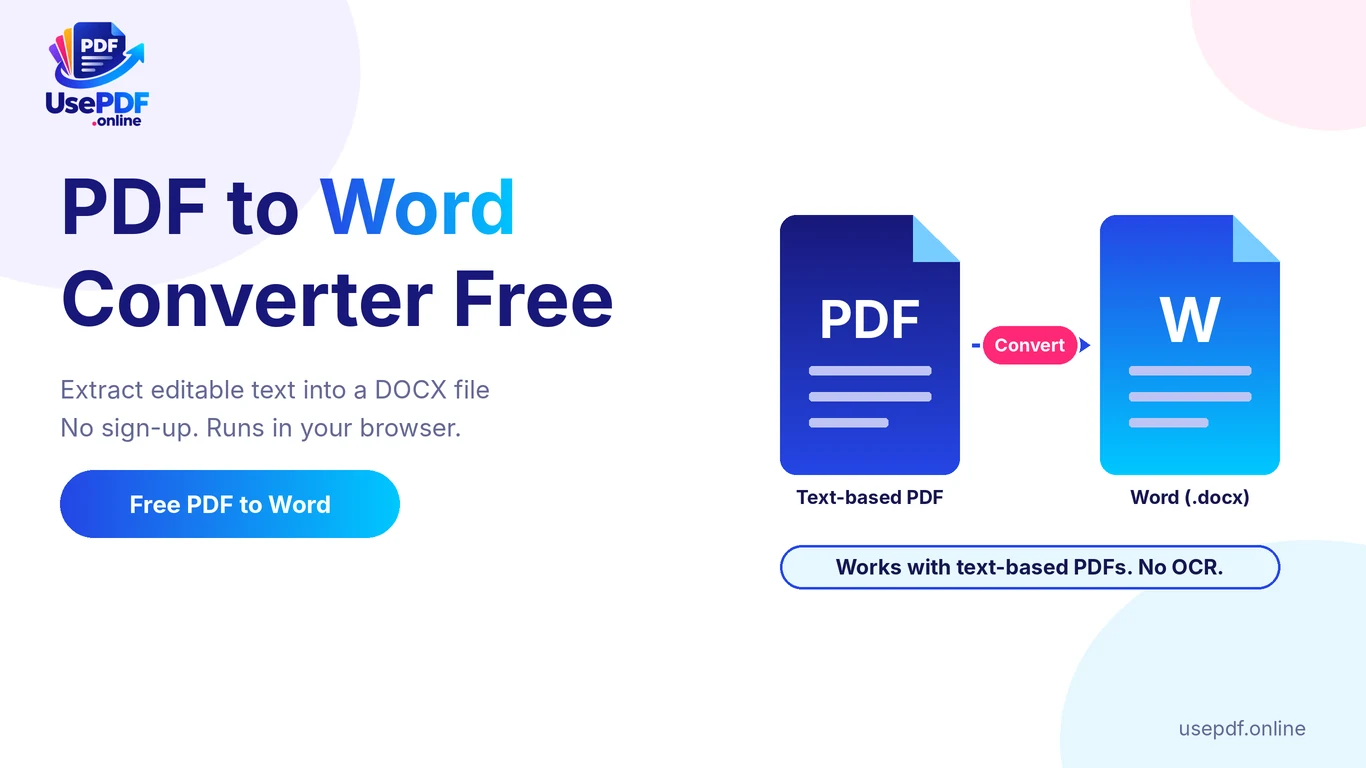
PDF to Word Converter Free: How to Convert PDF to Editable Text
A PDF to Word converter free of cost and sign-up lets you turn a text-based PDF into an editable Word (.docx) file in a few clicks. With Use

Merge, split, compress, edit and convert PDF, Word, Excel, PowerPoint and image files. No account, no watermark, and your files stay on your device.
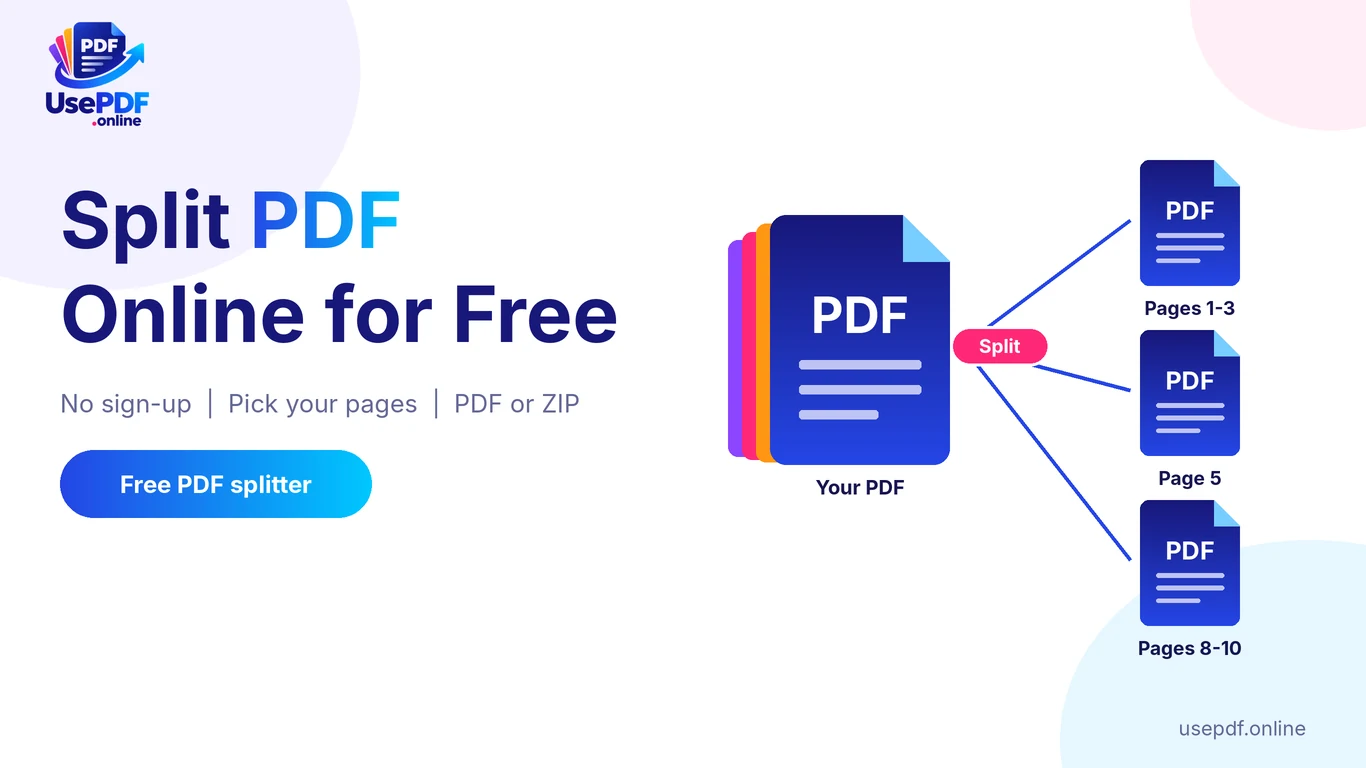
Put pages in the right order, combine files or pull pages out.
Make a PDF small enough to email or upload.
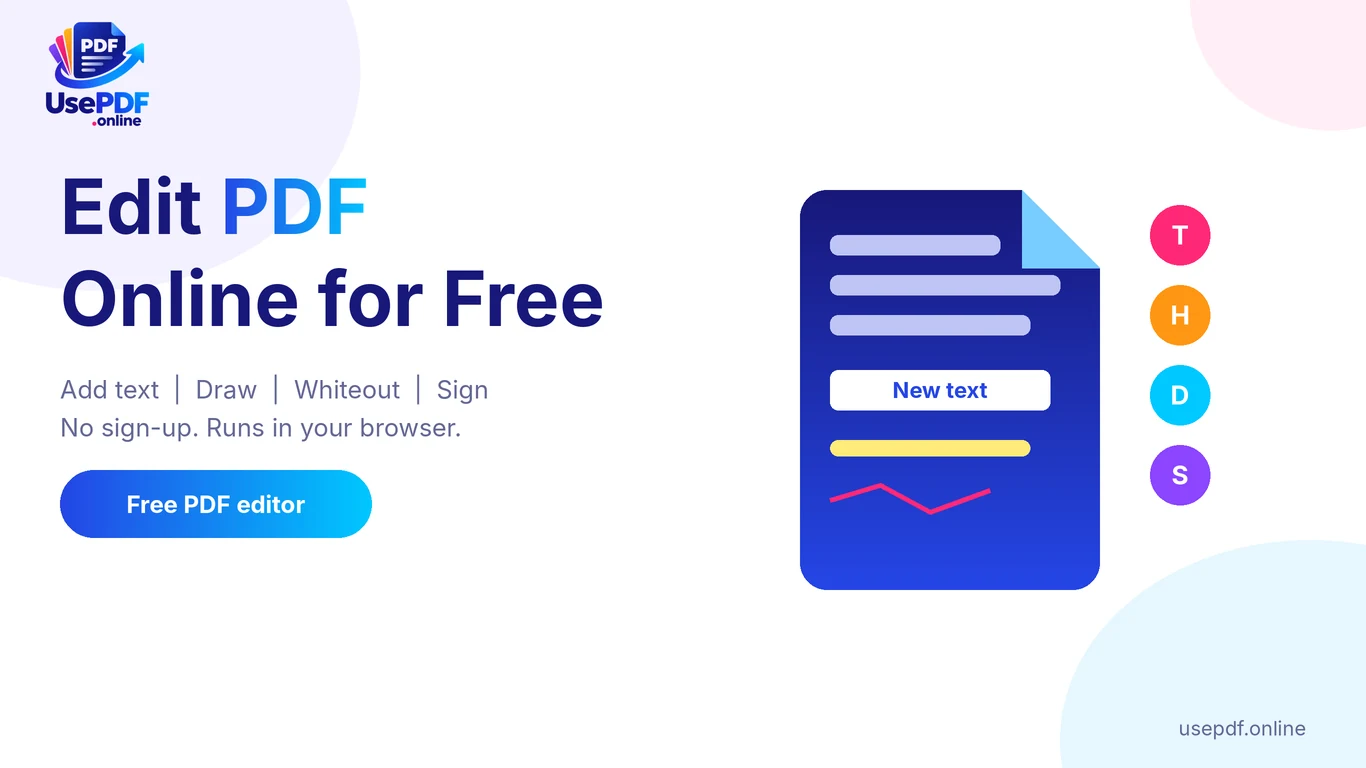
Add text, images, shapes, highlights and signatures.
Turn PDF pages into Word, Excel, PowerPoint or JPG files.
Turn images, Word files and spreadsheets into a PDF.
Shrink photos and convert them to modern web formats.
Pick the job you need from the list or type it into the search box.
Tap the button to select a file from your device, or drag it onto the page.
Press the action button. When it finishes, your file downloads straight from the browser.
The tools run in your browser, so your documents are processed on your own device rather than uploaded to our server.
No sign-up and no installation. Pick a tool, add a file and download the result.
No watermark and no daily limit. The site is paid for by advertising and optional supporters.
Large tap targets, a file picker on every tool and layouts designed for small screens first.
A PDF to Word converter free of cost and sign-up lets you turn a text-based PDF into an editable Word (.docx) file in a few clicks. With Use
The simplest way to edit PDF online free is to open your file in a browser editor such as UsePDF.online Edit PDF, add text, highlights, draw
split pdf online free 100mb, split pdf online free no signup, split pdf online free unlimited, split pdf online free 150mb, split pdf online free download
Yes. Every tool on the site can be used without an account, without a watermark and without a daily limit. Running costs are covered by advertising and optional supporter contributions.
No. The PDF and image tools run inside your own browser, so the files you choose are processed on your device. The only things that reach our server are normal page requests and anything you type into the contact form.
Yes. Every tool has a file picker as well as drag and drop, and the layouts are designed for small screens first. Very large PDFs depend on your phone's memory, so split big jobs into smaller batches.
The page and the processing libraries load from the internet the first time you open a tool. After that the conversion itself happens on your device, but you still need to be online to open the page.
The PDF editor adds new content on top of a page: text, images, shapes, highlights, drawings and signatures. It does not reflow or rewrite the original text, because PDFs do not store text as editable paragraphs. Use Whiteout to cover something and type the replacement above it.